Crazy Mukbang Redeem checklist
Written for the day an official string exists. Today the box may not be in the UI yet.
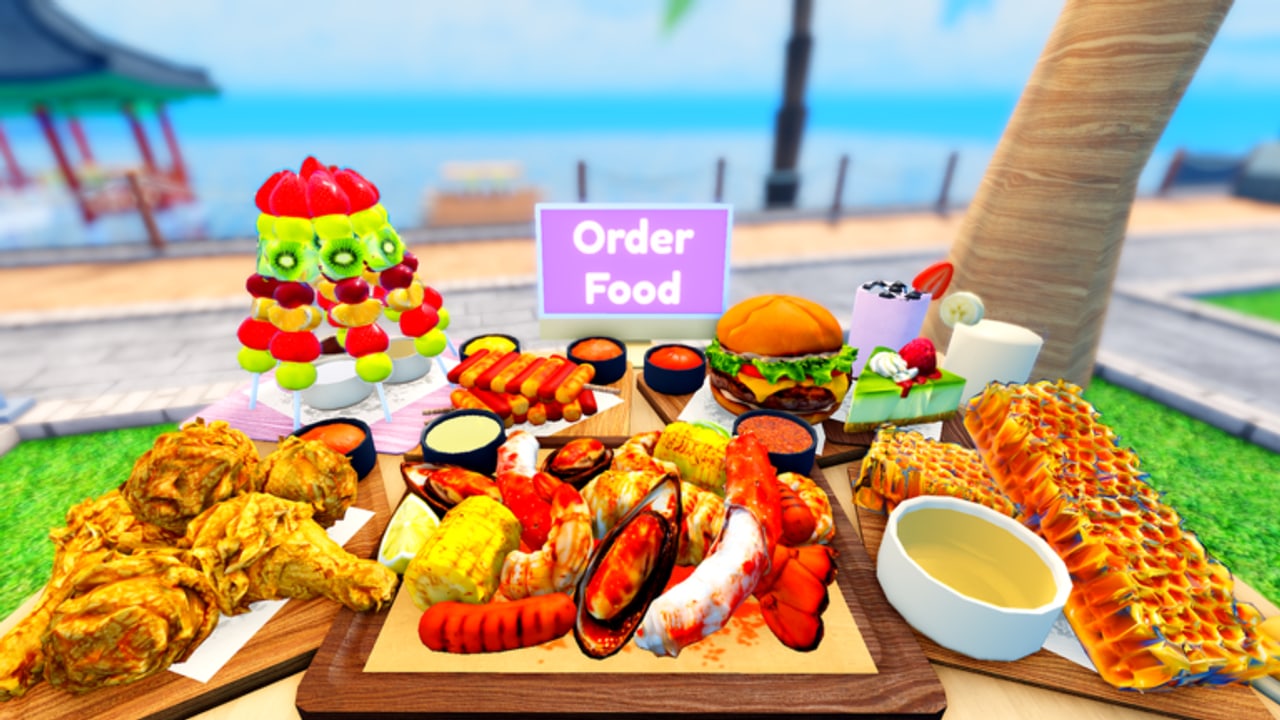
Most Roblox hangouts eventually grow a Codes button. Crazy Mukbang has not advertised one on its public description. This page is still worth reading, because the day a string drops, everyone will search “how to redeem Crazy Mukbang codes” at the same time. You will already know the order of operations.
Before you hunt a button
- Confirm you are in Crazy Mukbang!, place 124729731716967. The links hub has the canonical URL.
- Confirm the codes hub still says none, or that it now lists a verified string.
- Ignore any site that wants your password, a “Robux generator”, or a Discord login to reveal the code. That pattern is covered on scam watch.
If step 2 still says none, stop. There is nothing to redeem. Go film a tray with the getting started guide instead of clicking random UI corners for ten minutes.
Where Roblox games usually hide redeem UI
When Crazy Mukbang adds codes, expect one of these patterns. We will replace this section with screenshots of the real button after it exists.
- A Codes or Twitter-bird icon on the left or right of the HUD.
- A shop tab with a text field at the bottom.
- A group-reward chest that only opens if you joined Crazy Mukbang!.
- Text in the official description that you copy, then paste in-game.
Do not confuse a camera slider, an Order Food prompt, or a like/favorite popup with a redeem box. Those are already part of the hangout loop described in how to play.
The redeem sequence we will use
- Copy the string exactly from this wiki or from the group shout. Do not retype from memory. Letter O versus digit 0 matters.
- Join a live server. Some games only accept codes after the experience fully loads.
- Open the Codes UI.
- Paste once. Do not add spaces.
- Submit. If the game is case sensitive, paste again with the original casing rather than shouting the code in chat.
- Check the tray, backpack, or a popup for the reward. If the reward is a food, it may still need the Order Food prompt — see how to get foods.
When redeem fails
- Wrong game. Stream a Mukbang! and Mukbang Game [Testing] are not this place. Their working codes will error here.
- Expired. We will move dead strings off the active list on the codes hub instead of leaving you to guess.
- Already used. Most Roblox codes are one redeem per account.
- Server desync. Rejoin once. Do not spam the button; that is how you click a different HUD element and think the code “ate” your input.
- Group-locked. If a future code requires the Crazy Mukbang! group, join that group from the links hub and rejoin the place.
What a legitimate reward would look like
Given the game’s pitch, a real code is more likely to grant a food, a camera cosmetic, a cute prop, or a limited tray item than a pile of Robux. Any thumbnail that promises free Robux for a Crazy Mukbang code is the scam pattern, not the hangout. Keep filming with honey and boba or cute foods while you wait.
After a successful redeem, log what you received in your own notes. The wiki will list the official reward text, which is sometimes vaguer than what actually dropped. Then go spend the item on a planned board using the tray planner.
If you found a string in a YouTube comment, do not skip the codes hub. Comments recycle other games’ lists for weeks. This redeem page is a procedure, not a promise that a box is waiting in your current session.
Frequently Asked Questions
Quick answers for Crazy Mukbang players.
Where is the Crazy Mukbang codes button?
It is not documented on the official page yet. When it appears, this guide will name the HUD corner. Check the codes hub first.
Are codes case sensitive?
Assume yes until we see an official example. Paste the string exactly as posted by the Crazy Mukbang! group.
Why did a code from TikTok fail?
It was probably for another mukbang game, expired, or fake. See scam watch.