Crazy Mukbang Camera kit
The description lists cameras next to chicken for a reason. This is that tool as an item.
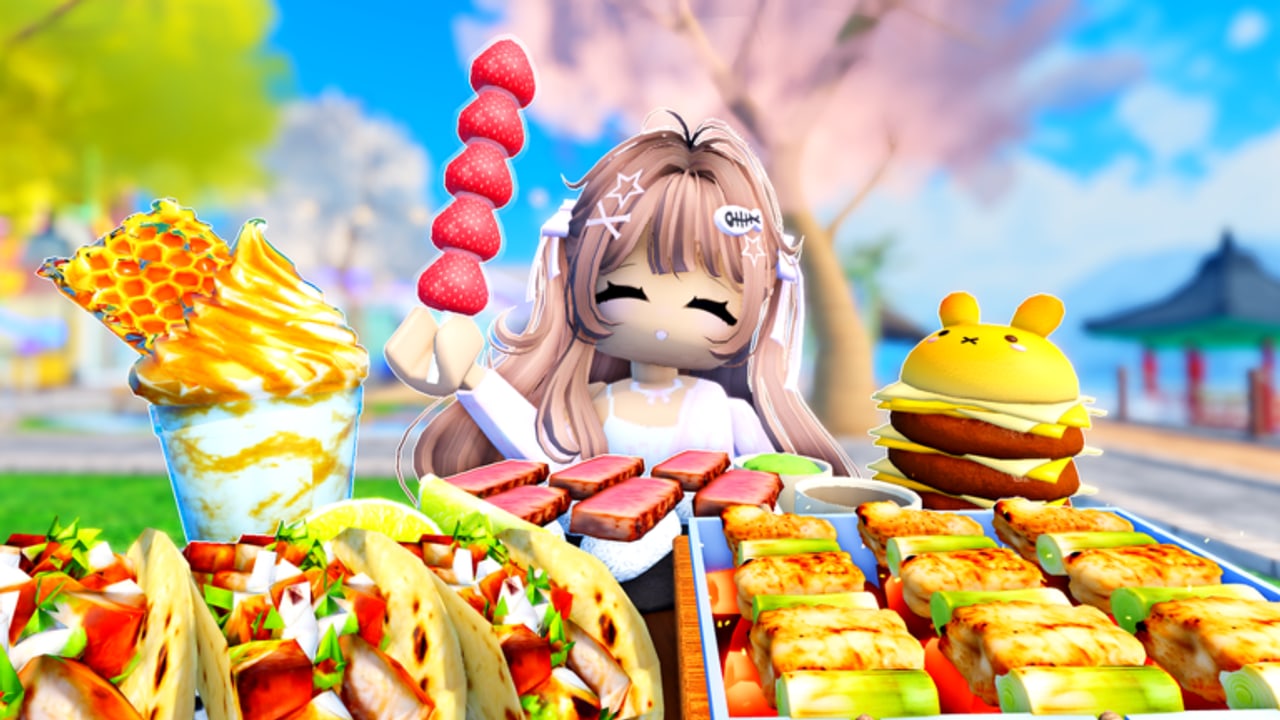
Most Roblox hangouts bury camera settings in a pause menu. Crazy Mukbang advertises adjustable camera controls for mukbang recording as a feature. This page treats the camera as kit, the same way the food menu treats dishes. The motion tutorial is how to record. The binds are controls. Here we name what you are actually adjusting.
What “adjustable” has to cover
A usable mukbang camera needs at least:
- Height — tray-level versus dollhouse-down.
- Distance — tanghulu close-up versus giant-platter wide.
- Orbit / yaw — include a collab partner or hide a crowded path.
- Field of view feel — whether honeycomb still shows hexes at the edge.
If a patch exposes those as labeled sliders, we will name the labels after updates confirm them. Until then, assume any on-screen camera gadget after sitting is this kit, not a generic Roblox zoom.
Default Roblox camera versus in-experience kit
Scroll zoom will save a bad shot. It will not replace tray-height work. Content that looks like official thumbnails was framed on purpose: avatar mid-ground, food occupying the lower half, sky as rim light. You get that with the kit, then you capture with Roblox recorder or device capture.
Mobile players should set the kit before they touch the eat prompt. Thumbs that both eat and orbit will smear the take. Console players should drop look sensitivity as noted in controls.
Kit recipes
Tanghulu hero. Close, slightly below stick height, avatar face in the upper third. Honeycomb slab. Medium distance, centered hexes, drink in the back for height. Giant boil. Wide, waterfront table, small item in the foreground for scale — giant foods. Cute burger joke. Offset so the bun does not collide with hair clips — cute foods. Collab two-shot. Same table edge, more distance, one giant max — how to play.
What the camera is not
It is not a spectator admin cam for trolling. Orbiting into someone else’s close-up is still grief. It is not a scripted free camera you inject from a hub. Those belong to scripts, and they are unverified for this place ID.
It is also not a substitute for picking a table. A perfect slider on a C-tier path bench still looks like a C-tier path bench. Rank locations on spots.
Maintenance
After every food drop, test whether new giants need more distance. After every UI patch, test whether the slider still appears when seated. Log failures on the September-style update pages. The kit is the difference between a hangout and a content tool. If the sliders ever disappear, this page becomes a bug report. Until then, frame first, bite second, and keep the recording checklist next to the gadget.
Common kit mistakes
Orbiting while biting. The crunch plays off-screen. Lock orbit before the eat prompt.
Matching official composites. Thumbnails stack six platters and a sky that does not exist at your table. Match composition (food in the lower half), not inventory count.
Forgetting collab eye lines. If your kit sits higher than your friend’s, the two-shot looks like a parent filming a child. Match height, then distance.
Using free-cam scripts. Unverified, wrong place IDs, and rude in a 24-player ASMR lobby. Stay on the native kit.
Practice the kit on a single tanghulu before you spawn a giant boil. A stick teaches height. A boil only teaches panic. When the stick looks like the getting started thumbnail, you are allowed to go wide.
Frequently Asked Questions
Quick answers for Crazy Mukbang players.
Does Crazy Mukbang have a camera controller?
Yes. Official copy lists adjustable camera controls for mukbang recording. Use them after you sit and order.
Is Roblox zoom enough?
As a backup. Tray-height work still needs the in-experience kit. See how to record.
Can I use a free-cam script instead?
Not recommended. No verified camera script is listed for this place. Script safety explains the risk.