Crazy Mukbang Guides and walkthroughs
Sit, order, frame, eat — every tutorial on this wiki starts from that loop.
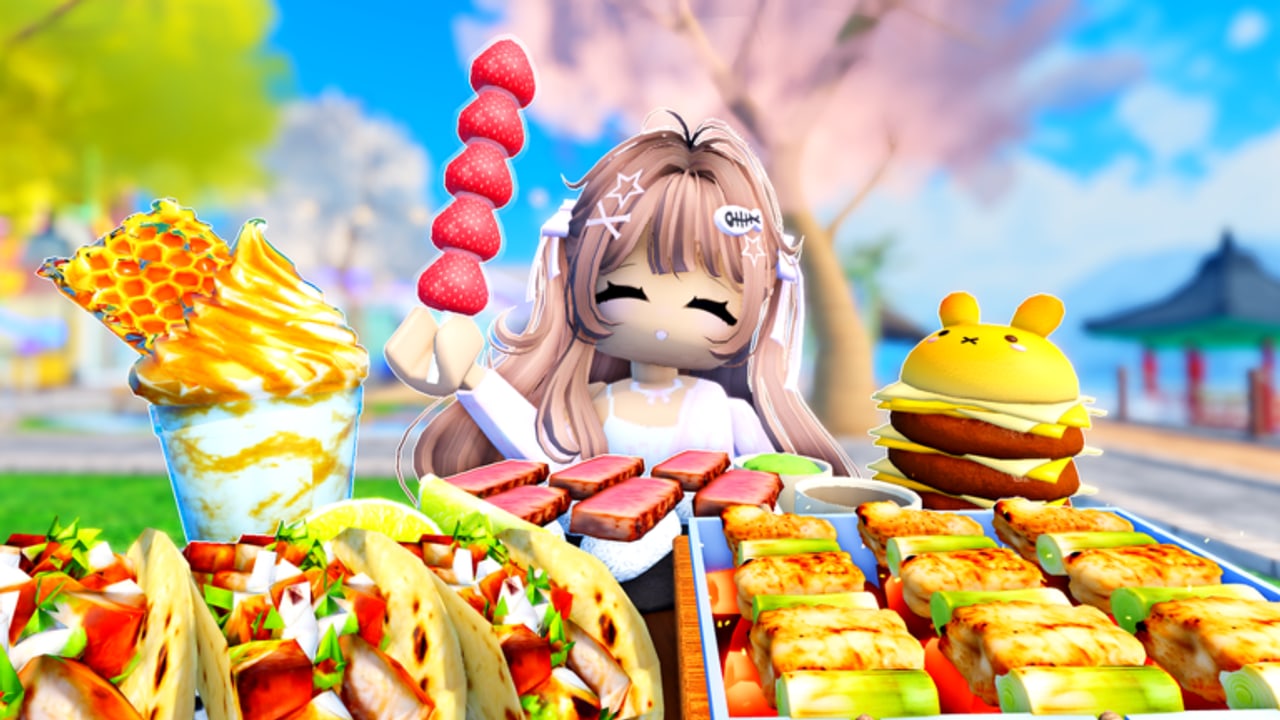
Crazy Mukbang is easy to join and easy to waste. You can spawn, stare at a mountain of honeycomb, and leave without a single clean clip. This hub is the map of every how-to we publish so you spend the session on the tray instead of the pause menu.
The game is a social ASMR hangout, not a grind sim. Official copy highlights 100+ foods, adjustable cameras, bees and honeycomb, boba, cute foods, and giant foods. Gallery shots add outdoor cherry-blossom seating, a Korean-style pavilion, a waterfront table, and a literal Order Food sign. Guides here teach that space as it actually appears, not as a different mukbang title.
Start here
New players should open Getting Started first. It covers joining the correct place, sitting down, ordering, and not confusing Crazy Mukbang! with Mukbang Game [Testing]. Right after that, How to Play explains the session loop in a 24-player server: when to share a table, when to rotate seats, and how to keep your tray visible.
If you came from TikTok because the food looks loud, skip ahead to How to Record. Camera work is the feature that turns a snack into a clip. Pair it with Controls so you are not fighting Roblox’s default camera while a collab partner is already chewing.
Food-focused tutorials
Ordering is its own skill. How to Get Foods walks the Order Food prompt, tray stacking, and what the official list actually names: fried chicken, tanghulu, sushi, corndogs, ramen, cakes, plus honeycomb, boba, cute foods, and giant foods. Giant Foods is separate because scale breaks a normal close-up. You need distance, a lower angle, and a table that is not already buried in drinks.
When you know what you want to eat, jump out of this hub into the databases: the food menu, honey and boba, and the food tier list. Guides tell you the motion. Those pages tell you the prop.
How we pick topics
We write for searches people actually type: how to play, how to record, how to get a food, how to film giant platters, how to sit with friends. We do not invent a secret area, a rebirth tree, or a cash shop that the official page does not describe. If a later update adds private rooms or a convenience store, that belongs on the updates hub first, then a new guide.
Each guide page stays on one job and, when a real Crazy Mukbang video exists, will embed a single mid-article clip. We will not borrow footage from a different Roblox mukbang just to fill the slot.
Cross-links inside this category
- Getting Started ↔ How to Play
- How to Record ↔ Controls
- How to Get Foods ↔ Giant Foods
- Collab Mukbang ↔ How to Play
After a guide, use the recording checklist, share clips, or the tray planner so the next take is faster. If a friend sent the wrong place ID, read lookalike games first.
Frequently Asked Questions
Quick answers for Crazy Mukbang players.
Which Crazy Mukbang guide should I read first?
Open Getting Started if you have never sat at a table. Open How to Record if you already know how to order.
Do these guides cover Mukbang Game [Testing]?
No. This wiki is only for Crazy Mukbang! by the Crazy Mukbang! group.
Will every guide include a YouTube video?
Only when we can verify a clip is actually this game. One video per page, placed in the middle, never invented.