Crazy Mukbang Share a mukbang clip
Frame in Crazy Mukbang, capture with Roblox tools, then post. Skip password pages that promise extra crunch.
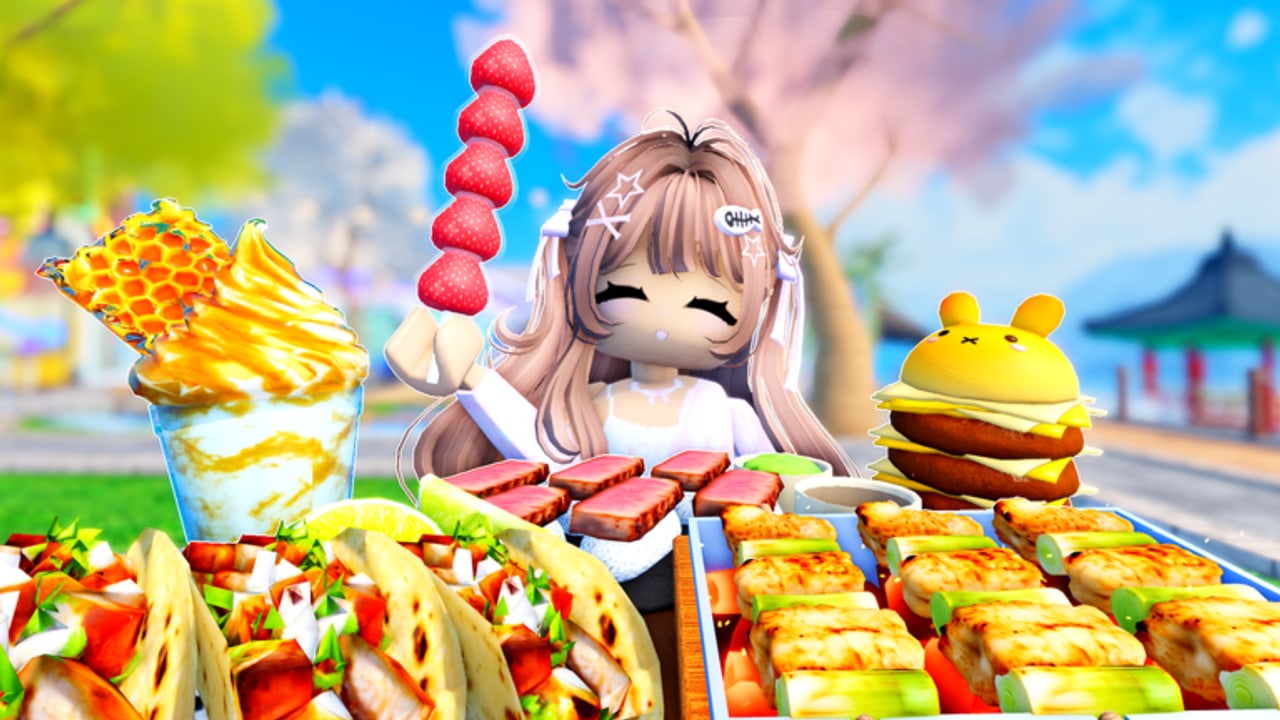
Crazy Mukbang’s whole pitch is recording. In September 2026 Roblox also pushed platform-level sharing (Moments / captures APIs) so 30-second clips can leave the table without a shady recorder. This tool page is the post-take checklist. The in-experience work still happens in how to record and the recording checklist.
Order of operations
- Sit in the official place (links).
- Build a four-slot tray (tray planner).
- Set the camera kit before the first bite.
- Capture with Roblox’s built-in recorder, device capture, or the Moments flow if it is on your account.
- Trim to one crunch sequence. Honeycomb plus one slurp is enough for a Short.
- Post. Do not wrap the file in a “free Robux for clips” form.
If step 1 is the wrong hangout, the clip will teach the wrong menu. Lookalikes is the filter.
What Moments does not replace
Platform capture will not fix a dollhouse camera or a brown fried-only tray. It will not unlock giant foods. It will not redeem codes — there are still no confirmed strings on the codes hub. Think of Moments as a publish button, not a skill.
Collab takes need a countdown first (collab guide). Capturing while your friend is still ordering wastes the 30-second window.
Safety
Do not install a browser extension that “improves Roblox camera.” That pattern lives on scam watch. Do not run a free-cam script to “get a better Moment.” Script safety already covers why hangout injectors grief other people’s frames.
If a Discord “admin” wants the raw clip plus your password, close it. The Crazy Mukbang! group is the only community surface we treat as canonical, and it still had no public Discord on the game HTML at last check.
Length and sound
Keep published clips short. A minute of walking to the waterfront is not ASMR. Start on the tray. Let honeycomb crack in the first three seconds if that is your hero. Mute your own mic for solo takes unless the joke is the collab talk.
Mobile players should lock orientation before capture so the clip does not rotate mid-crunch (controls).
After you post
If a patch added a new green plate, log it mentally against matcha foods and updates. A clip is evidence. The wiki will not invent a matcha bullet on the Roblox description just because a Short performed.
Use this page next to the recording checklist, not instead of it. Capture is step 6. Framing is still step 4.
Collab publish notes
If two of you recorded, pick one file. Dual uploads of the same honeycomb crack split the comments and confuse the place ID in titles. Name the game Crazy Mukbang! and the place if you can. That is how later viewers stop landing on Mukbang Game [Testing]. The lookalike page exists because titles are sloppy. Your clip does not have to be sloppy. Pair a matcha color slot with comb if that was the take — matcha foods — then stop recording and eat for fun.
Title and thumbnail hygiene
Name the experience Crazy Mukbang! in the first line. Add the place ID if the platform allows a description. Do not title a clip “Roblox mukbang codes” or “secret area” — those queries belong to other hangouts and will teach the wrong menu. A thumbnail should show one hero food plus one color support, not eight plates. Honeycomb hex plus a green or pink garnish reads at 160 pixels. A brown fried-only pile does not.
If you filmed a collab, credit the other avatar in the caption and keep one upload. Dual posts of the same crack split comments. If you filmed matcha, say it is a live Order Food row, not an official description bullet. The lookalike filter belongs in your caption once: place 124729731716967.
Moments versus device capture
Roblox Moments (the September 2026 platform capture work) is a publish path, not a Crazy Mukbang patch. It does not add foods, codes, or a share button inside the hangout. If Moments is on your account, use it for the 15–30 second crunch. If it is not, the built-in recorder or a trusted device capture still works. Never sign into Roblox on a page that appeared under a TikTok overlay promising “HD export.” That pattern is on scam watch.
Mobile players lock orientation before capture (controls). Desktop players set the camera kit first, then capture. Either way, start the file on the tray, not on the walk from spawn. After you post, eat for fun — the hangout is still a table, not a content mill.
Frequently Asked Questions
Quick answers for Crazy Mukbang players.
Does Crazy Mukbang have its own share button?
The hangout’s feature is the adjustable camera. Sharing uses Roblox capture / Moments or your device recorder.
Should I use a third-party recorder?
Only if you already trust it. Never sign into Roblox on a page that appeared under a TikTok clip. See scam watch.
How long should a clip be?
Start on the tray. A 15–30 second crunch sequence beats a full lobby tour.