Crazy Mukbang Recording checklist
Sixty seconds before record. Read it on your phone while Order Food is still open.
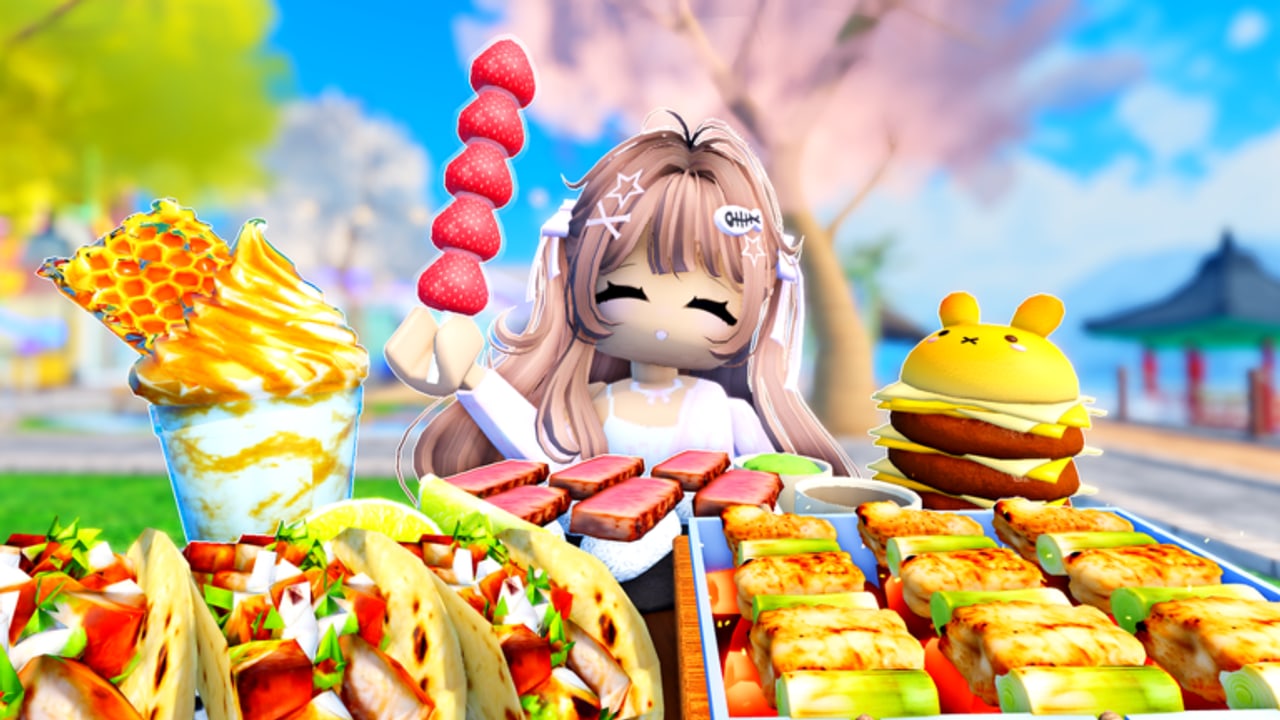
This checklist is the portable version of how to record. Run it every time you care about the clip. Skip it when you are just snacking. There is no in-game widget; it is a wiki tool on purpose so it cannot break with a patch.
1. Place
- I am in Crazy Mukbang!, place 124729731716967 — links.
- Server is not a screaming 24-person pile on my chosen table, or I hopped.
- Spot matches the shot: waterfront for giants, lawn for cute close-ups, pavilion for medium slurps — spots.
2. Seat
- I am sitting, not hovering.
- My shoulder is not in a stranger’s lens.
- Collab partner is on the same table edge if we need a two-shot — how to play.
3. Tray
- One hero (honeycomb, chicken, tanghulu).
- Two supports (sushi, cake, tacos…).
- One height (boba or fruit skewer).
- At most one giant, at most one cute joke.
- I used the tray planner if the table already looks brown.
4. Camera
- Height at tray, not dollhouse.
- Distance shows table edges for giants — giant foods.
- Avatar face is in frame only if I want it.
- HUD/chat hidden or moved.
- I used the in-experience kit, not only scroll zoom — camera.
5. Audio
- Headphones on for a test bite.
- Voice chat muted for solo ASMR, or one speaker agreed for collab.
- S-tier crunch is actually on the tray — ASMR list.
- Silent foods got a second chance after replication, per controls.
6. Record
- Device recorder or Roblox capture armed.
- Countdown in chat if collab.
- Take under a minute unless this is a full menu tour.
- After the take, I change one variable, not the whole table.
When a line fails
If place fails, stop; you are in the wrong hangout. If seat fails, rotate. If tray fails, delete the extra fried sticks instead of adding more. If camera fails, step back before you touch food again. If audio fails, hop servers; 24 people talking is not your SFX pack.
Print this mentally next to getting started for friends you just invited. The checklist is also the anti-script: it speeds the session without injecting anything from the scripts hub.
After three clean takes you will stop opening this page. That is success. Until then, treat each box as a chance to not waste a honeycomb spawn.
Why a wiki checklist beats a script
A script promises speed and delivers account risk. This checklist promises that you will not notice the camera in your hair clips after the crunch starts. Run it twice and you will memorize it. Run a loader once and you may be rewriting passwords.
Share the list in collab chat as six numbered lines if your friends will not open the wiki. The links still matter: wrong place ID, wrong giant distance, wrong ASMR food. If they refuse the place-ID line, they are about to film Mukbang Game [Testing] by accident. Save the honeycomb for Crazy Mukbang.
Frequently Asked Questions
Quick answers for Crazy Mukbang players.
Do I need this checklist for casual play?
No. It is for filmed takes. Casual snacks can skip to how to play.
Why is place ID on a recording list?
Because lookalike hangouts waste the whole setup. Confirm Crazy Mukbang first.
Can I use this on mobile?
Yes. That is why it is short. Lock orientation before step 6.