Crazy Mukbang Controls and camera hands
Roblox defaults plus the hangout-specific prompts you actually need.
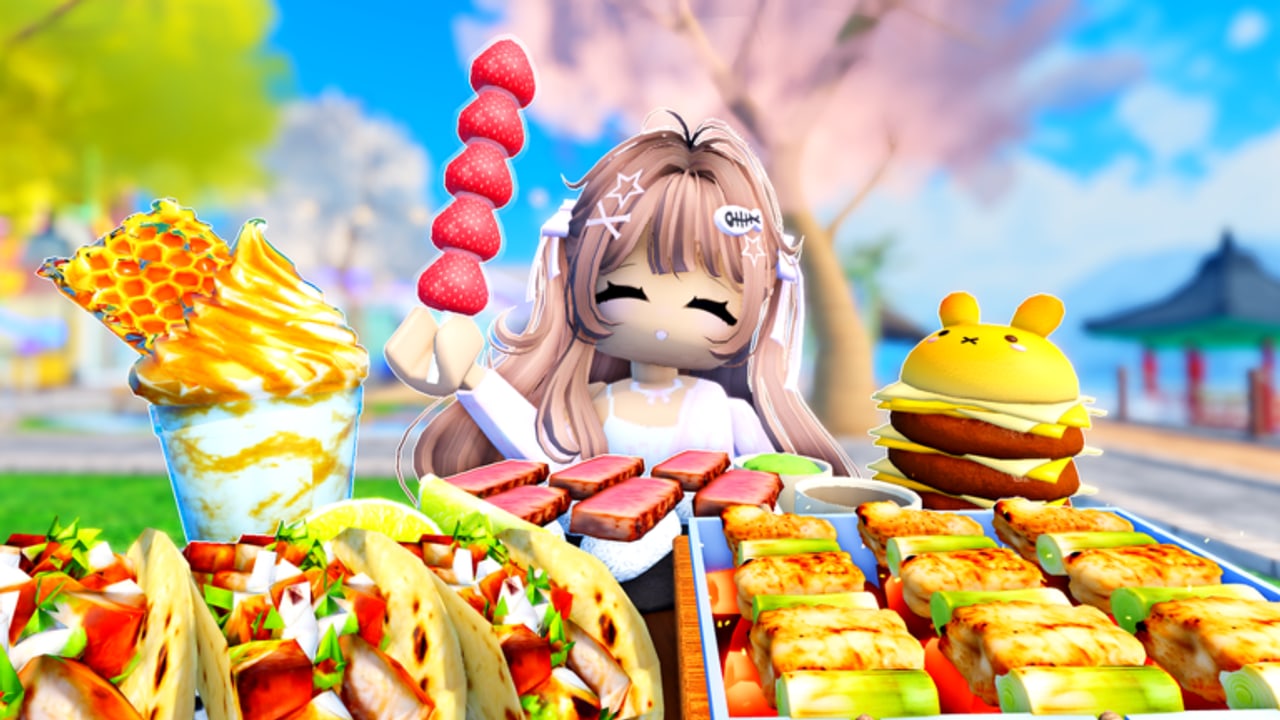
Crazy Mukbang does not print a unique esports bind list on its Roblox page. You still need a controls guide, because the hangout hides two extra verbs — sit / order and adjust camera — on top of normal Roblox movement. This page is the hands-on companion to how to record and the camera kit database.
Movement and camera (PC)
- WASD — walk the outdoor dining map. Do not strafe during someone else’s take.
- Space — jump. Rarely useful at a table; it just knocks your silhouette out of a two-shot.
- Shift — sprint between tables when the cherry-blossom bench is full.
- Right mouse — look. Use it to scan for the Order Food sign before you sit.
- Scroll / I-O style zoom — Roblox camera distance. This is not a replacement for the in-experience adjustable camera, but it saves a bad framing in a pinch.
- Click — interact with chairs and the Order Food prompt.
If a slider overlay appears after you sit or after you pick up a camera tool, treat those handles as the real filming controls. Height and orbit matter more than walking. Exact label names can change with patches; when they do, updates will note it.
Movement and camera (mobile / console)
Thumb stick to walk, jump button as usual, tap to sit and to order. Mobile players should lock orientation before a take; rotating the phone mid-crunch is a classic ruined clip. Console players should remap look sensitivity down so a tiny stick drift does not pan off the honeycomb.
The 24-player cap means mobile and PC share tables. If your avatar’s default camera sits higher than a PC player’s, drop it before you start a collab. Mismatched eye lines make two-shots look accidental.
Sit, order, eat
- Walk to a free chair. Tap or click the seat.
- Find Order Food. The official waterfront screenshot shows a standing sign; on other tables the prompt may live on the table tablet. If nothing highlights, you are not close enough or not seated — see how to get foods.
- Pick dishes. Confirm they appear on your tray, not the neighbor’s.
- Trigger the eat / bite interaction on the food model. If a bite does not play sound, wait for the model to finish replicating.
There is no documented emote wheel dedicated to mukbang on the public page. Do not hunt for a “Gluttony” key from another game. That name is not in Crazy Mukbang’s description.
What not to bind mentally
- Codes key. None advertised. Codes hub.
- Place / rotate build keys. Those belong to Stream a Mukbang! style tycoons, not this hangout.
- Shift-lock combat. You are not parrying sushi.
Accessibility and comfort
ASMR hangouts are loud by design. Lower SFX if you have misophonia, or pick visual-first foods from cute foods instead of honeycomb cracks. Motion-sensitive players should avoid orbiting the camera while giant platters are spawning; wait, then set a static frame.
If the HUD covers the tray, hide chat during the take. Chat is useful for collab countdowns in how to play, then it is clutter.
Practice the bind flow once without recording: sit, order one tanghulu, frame, bite, stand, sit somewhere else. When that is muscle memory, you are ready for the recording checklist. Controls are not the content. They are how you stop thinking about the content until the crunch hits.
Frequently Asked Questions
Quick answers for Crazy Mukbang players.
What is the eat key in Crazy Mukbang?
You interact with the food model after it is on the tray. There is no separate combat-style eat key listed on the official page.
Does mobile have the same camera tools?
Yes in spirit: sit, order, then use the adjustable camera. Drop sensitivity so thumbs do not drift.
Why can I not find a codes button?
None is documented. See how to redeem for the future checklist.